

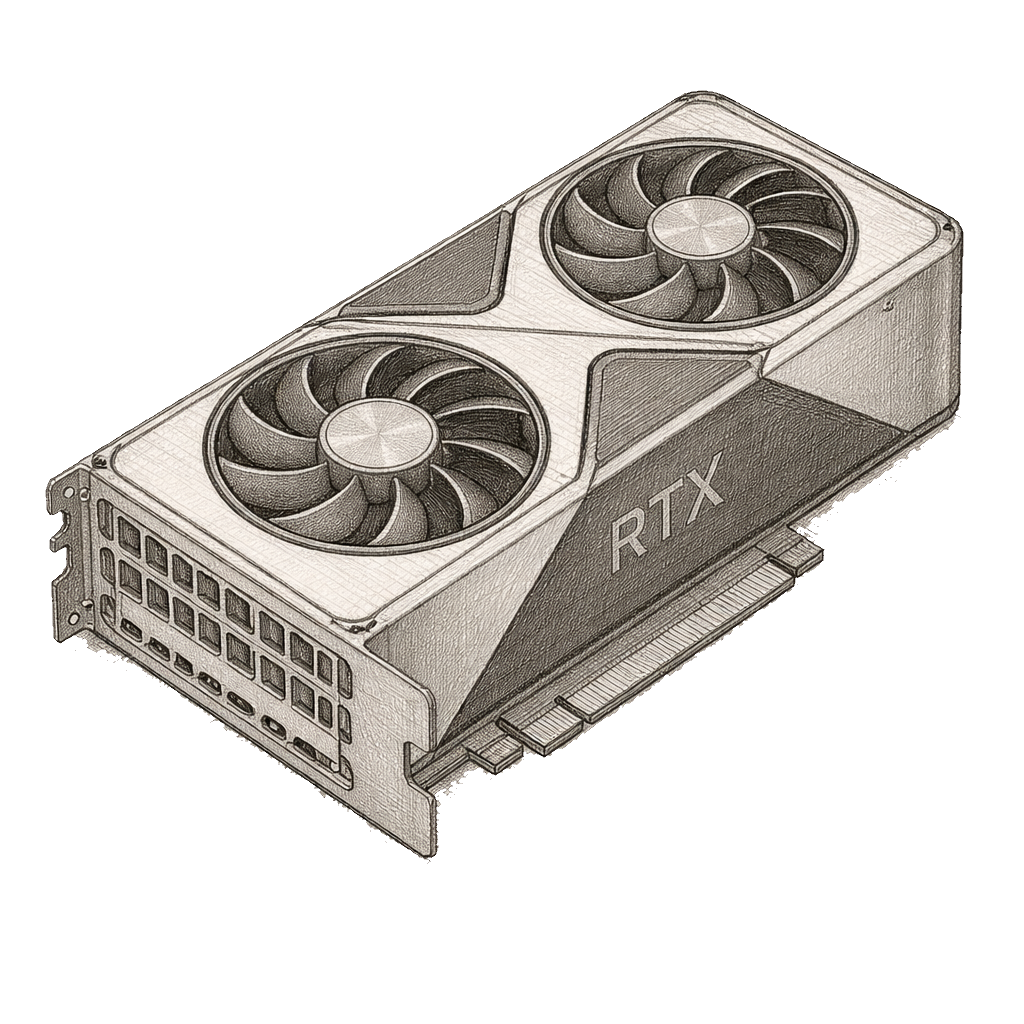
This short note covers safe considerations for repairing an Nvidia RTX 5070 Ti graphics card.
For most issues, non-invasive fixes and professional service are recommended.
Common issues
No display, artifacting, or driver crashes despite a functional power supply.
Excessive fan noise, overheating, or throttling under load.
Visible physical damage: burnt smell, PCB scorching, swollen or damaged capacitors.
Safety and warranty
Power down completely, unplug the power supply, and ground yourself before touching the card.
Avoid wiring mods, soldering, or rework unless you are trained and equipped for GPU repair.
Check warranty status; opening the card may void it and reduce repair options.
When to contact a professional
You notice burns, obvious PCB damage, or the board does not POST after reseating or testing.
You lack the right tools (ESD protection, thermal cameras, decapsulation/soldering gear) or spare parts.
Quick tips for a safer repair experience
Work on a static-free surface and use an anti-static wrist strap.
Document each step with photos so reassembly is clear.
If you smell burnt odors or see smoke, stop and disconnect immediately.
Keep software/drivers up to date and verify power supply stability before testing.